
Looking for an MT5 alternative? MT5 vs Systemly: the chart your broker gives you, and the plan it doesn't
 Systemly Team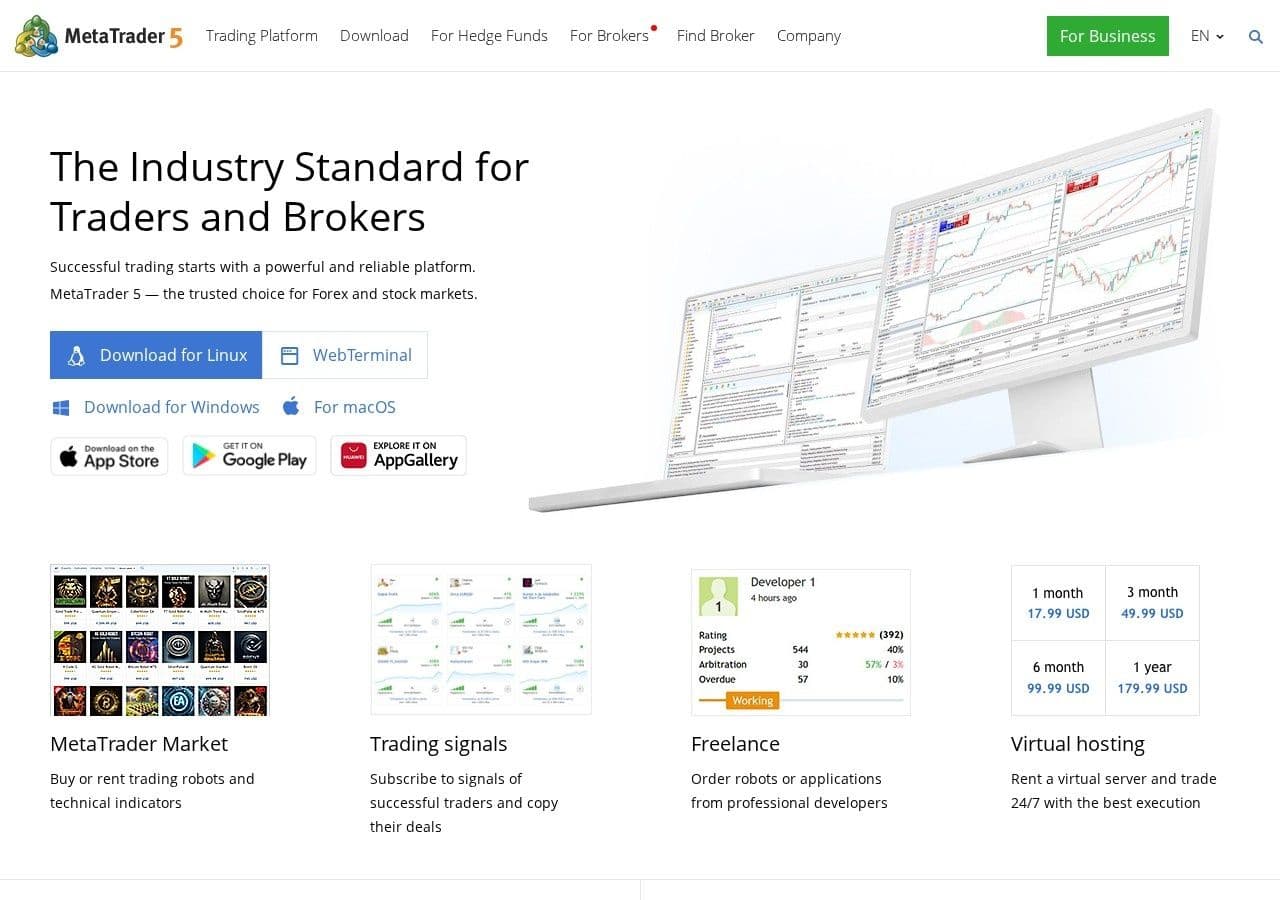
It is 16:25 in Dubai on a weekday in October. US inflation figures are due in five minutes. Your phone says 16:25, your colleague in London says 13:25, and the clock on your MetaTrader 5 chart says 15:25. Nobody is wrong. Three clocks are telling the truth about three time zones, and the gold candle you are watching will close at a time that matches none of them.
That small muddle is a fair picture of MT5. It is the free terminal most forex brokers hand you, it is fast and familiar, and it does exactly what you tell it. What it does not do is tell you what to do. One Trustpilot reviewer put the look of it bluntly: "The charts in MetaTrader 5 look like they were drawn by hand."
If you are searching for an MT5 alternative, you probably do not need to replace it. MT5 is where trades are placed. Systemly is where a trade gets planned, sized and followed, and the two can sit side by side.
Quick answer: MetaTrader 5 is a free broker trading terminal, best for placing orders, running Expert Advisors on desktop and trading prop-firm accounts. Systemly is a trade-planning app that draws a complete plan on a live chart, with entry, stop, targets, lot size and cost in money for your account, or an honest "no trade". If you need to execute, automate or backtest, MT5 is the better tool. If you open MT5 and do not know what to do next, Systemly fills that gap, and the two work side by side.
Systemly publishes this comparison. We have tried to be fair, and every competitor fact below is sourced and dated 13 October 2026.
What is MetaTrader 5, and what is Systemly?
MetaTrader 5 is a desktop, web and mobile trading terminal made by MetaQuotes and licensed to brokers, who give it to clients free. It runs on the MQL5 language, which powers Expert Advisors (EAs), custom indicators and scripts. The cost sits in your broker's spreads and commissions (Wikipedia). It is the default platform at most retail forex brokers in the UK and the UAE.
Systemly (systemly.ai) is a UK-built forex and gold trade-planning app that turns live price data into a complete trade plan, with entry, stop, targets, position size and plain-English reasoning, and teaches the terms in a built-in academy of 32 courses. It reads price bars directly, never a screenshot. It is not a broker and does not hold your money.
Two jobs that get confused: placing a trade and planning one
The common mistake is to treat the trading terminal as a source of decisions. A beginner opens MT5, sees timeframes from one minute to one month, a toolbar of indicators and a one-click buy button, and assumes the answer is on the screen somewhere.
The consequence is a familiar week. You add an RSI, then a MACD, then a crossover from a YouTube video. You place a trade with a lot size that felt about right, instead of one from a forex lot size calculator, and you learn after the stop is hit that "about right" was 3% of your account.
Think of it like a well-equipped kitchen and a recipe card. MT5 is the kitchen. It will cook whatever you put in front of it, and it will not stop you adding a tablespoon of salt where a pinch was meant. A recipe card gives the quantities for the number at your table, the order of the steps and when the dish is done. Systemly is the recipe card. You still cook in the kitchen.
MT5's job is to show your broker's prices, send orders, hold positions, run automated strategies on desktop and keep your history. Systemly's job is to decide whether there is a trade at all, draw where to wait, get in, take profit and admit the idea was wrong, print a lot size and a money figure for your account, count down to the next decision, and keep checking the plan after it is sent.
MT5 on your phone: what the iOS app can and cannot do
Most readers will open MT5 on a phone first, so the mobile limits matter more than the desktop feature list. Volity's guide to MT5 on iOS, updated on 21 July 2026, sets them out (Volity):
- "EAs run only on the desktop terminal or via a VPS."
- "Custom indicators developed in MQL5 do not run on iOS."
- The built-in library has "about 30 indicators".
- You can view four charts at once on an iPad and two on an iPhone turned sideways.
- Backtesting is desktop-only.
The indicator someone sold you, or the EA you rented, will not travel with you on an iPhone. If you trade on a lunch break in Canary Wharf or between meetings in Business Bay, the mobile terminal is a viewer and an order pad, not an analysis station.
Store ratings are calmer than review sites. The Android app scores 4.7 from about 1.22 million Google Play reviews, though users still report that it "frequently glitches and deletes all downloaded charts" (Google Play). On Trustpilot, metatrader5.com scores 1.4 from 203 reviews, but Trustpilot notes the company has not invited reviews, and many reviews mix up the software with the brokers that use it (Trustpilot).
On Systemly's phone layout, the plan sits as a bottom sheet under a live chart, open by default, and the risk line is always visible.
Server time: why your MT5 clock disagrees with London and Dubai
Many MT4 and MT5 brokers set their server clock to "GMT+2 or GMT+3, depending on daylight savings", so that server midnight lines up with the 17:00 New York close (VT Markets). That gives five daily candles a week. A server that follows New York also switches on the US dates (8 March and 1 November in 2026), not the UK ones, and Dubai never changes its clocks.
- Summer, to 24 October 2026: MT5 server (following New York): GMT+3; UK time: server minus 2 hours; Dubai time: server plus 1 hour; Daily candle opens (UK / Dubai): 22:00 / 01:00
- Out-of-sync week, 25 to 31 October 2026: MT5 server (following New York): GMT+3; UK time: server minus 3 hours; Dubai time: server plus 1 hour; Daily candle opens (UK / Dubai): 21:00 / 01:00
- Winter, from 1 November 2026: MT5 server (following New York): GMT+2; UK time: server minus 2 hours; Dubai time: server plus 2 hours; Daily candle opens (UK / Dubai): 22:00 / 02:00
We derived these from the 17:00 New York convention. Some brokers switch on European dates instead, and we could not confirm which, so check your own broker's help pages.
For US data, convert from New York time yourself. CPI and jobs figures land at 08:30 New York: 13:30 UK and 16:30 Dubai until 24 October, 12:30 UK and 16:30 Dubai in the out-of-sync week, and 13:30 UK and 17:30 Dubai from 1 November.
Systemly shows times in the viewer's own time zone, and draws the London and New York sessions with their own daylight saving, so a trader in London or Dubai sees them in the right place all year. The wider problem of different candles on different platforms is covered in why your broker's chart and your charting platform show different prices.
The MT5 AI assistant: a test engineer, not a trader
Build 6180, released on 3 September 2026, lets the MT5 AI assistant fetch Strategy Tester reports, start optimisations, read logs and add indicators to the current chart (MetaQuotes). External AI agents can connect through MCP. Finance Magnates summed up the limit: "Judgment-based functionality, trading decisions on a live account, remains unavailable at this stage" (Finance Magnates).
That is a responsible choice. The assistant serves people who build and test trading robots, and it does not look at gold on a Tuesday afternoon and tell a beginner whether there is a trade or how big it should be. We found no built-in AI chart reading or trade plans in MT5.
Systemly uses AI in a different place. The AI reads the chart. The code owns the trade. Fixed rules repair the target ladder, set a floor under the stop width and recompute the confidence score, and the strategy's own checks can turn a plan into "no trade". A scan is refused if the data is stale, has gaps or carries a future timestamp.
The MQL5 Market and the EA problem
The MQL5 Market has offered rentals of EAs and indicators since 2015, over 1, 3, 6 or 12 months. MetaQuotes takes a 20% fee, paid products start at $30, purchases are not returnable, and "MetaQuotes binds an authorized product copy to the buyer's equipment and operating system" (Finance Magnates, 5 August 2026).
Outside the store, Belgium's FSMA warned on 12 April 2022 against EA World FX, which sold EAs through "recruitment-based pyramid networks" that "appear to target young people". Its warning carried a line every beginner should keep: "The chance of loss is far greater than the chance of profit" (FSMA).
A checklist to screenshot before you pay for any EA or indicator:
- Does the seller show losing months, or only a rising line?
- Can you test it on a demo account first?
- Does it run on the device you trade from? On iOS, custom MQL5 tools do not.
- Is the purchase refundable? On the MQL5 Market it is not.
- Are you asked to recruit friends or join a private group to get access?
- Does the seller hold any permission to give advice in the UK or the UAE?
Worked example: the same gold trade, sized by hand
Sizing is the part MT5 leaves entirely to you, along with the money a win would make, which a forex profit calculator works out. Suppose a Dubai trader has a $2,000 account, about AED 7,345 at the official peg of AED 3.6725 to the US dollar, and wants to risk 1% on gold (XAU/USD) with a stop $8.00 from entry. We assume 1 standard lot is 100 ounces, which is common but not universal.
- Risk in money: Arithmetic: 1% of $2,000; Result: $20.00
- Loss per 1.00 lot at the stop: Arithmetic: $8.00 × 100 oz; Result: $800
- Exact lot size: Arithmetic: $20.00 ÷ $800; Result: 0.025 lots
- Rounded down to the 0.01 step: Arithmetic: 0.02 lots × $800; Result: $16.00 (0.8%)
- Rounded up instead: Arithmetic: 0.03 lots × $800; Result: $24.00 (1.2%)
- Assumed 30-cent spread at 0.02 lots: Arithmetic: $0.30 × 100 × 0.02; Result: $0.60
- Total if the stop is hit: Arithmetic: $16.00 + $0.60; Result: $16.60
MT5 would accept 0.03 as happily as 0.02. It does not know your risk goal, and it does not add the spread to a money figure. On a Systemly plan the card prints the lot and one money figure at that lot, with trading cost included at the stop, and an account-size warning appears when the risk looks too large. To check your own numbers first, the free Risk Doctor tool checks a trade's risk and position size. Why lots round the way they do is explained in position sizing: the part signals leave out.
One gold detail: a Systemly plan never shows odds on gold. On other markets, odds appear only where measured, written as a floor such as "at least 5 times in 10".
MetaTrader 5 vs Systemly: side by side
- What is it for?: MetaTrader 5: Placing and managing trades; Systemly: Planning a trade and following it
- Price to you: MetaTrader 5: Free via your broker; costs in spreads and commissions; Systemly: Free plan; paid Starter, Plus and Pro with a 3-day trial
- Places orders: MetaTrader 5: Yes, directly; Systemly: Execution into a broker account on Pro only; otherwise you place the trade yourself
- Automated strategies: MetaTrader 5: Yes, on desktop or a VPS; not on iOS; Systemly: No
- Backtesting: MetaTrader 5: Yes, desktop Strategy Tester; Systemly: No
- Says whether to trade at all: MetaTrader 5: No; Systemly: Yes, including "no trade" with the failed checks listed
- Lot size and money at risk: MetaTrader 5: You calculate it; Systemly: One money figure with cost included
- What to do at each target: MetaTrader 5: No; Systemly: Numbered moves, for example "close half and move your stop loss to your entry"
- Time shown: MetaTrader 5: Broker server time, often GMT+2 or GMT+3; Systemly: Your local time
- Markets: MetaTrader 5: Whatever your broker lists; Systemly: Majors and gold on Free and Starter; more on Plus and Pro
- AI: MetaTrader 5: Testing, logs and adding indicators; no live decisions; Systemly: AI drafts the plan; fixed rules check it
- Best for: MetaTrader 5: Executing, automating, prop-firm accounts; Systemly: Deciding what to do and how big
Where MetaTrader 5 is the better choice
- You run or build EAs. Systemly does not automate strategies, and MT5's tester plus its new assistant is the right kit.
- You trade a prop-firm account that issues MT5 logins.
- You need markets your broker lists that Systemly's Free and Starter plans do not cover.
- You want to backtest a rule over years of data.
- You want nothing extra to pay for. MT5 is free through your broker, while Systemly's layers, slower timeframes and TradingView export sit on paid plans.
If you are weighing MT5 against a charting site rather than a planning tool, read our TradingView vs MT5 comparison.
Using MT5 and Systemly together
Open Systemly, pick gold and press Generate. In under a minute the plan opens on the same chart. Read the moves card: one step is current, and the countdown ring shows the time to the next useful moment, turning amber under 30 minutes. If the answer is "no trade", stop there; up to three a day do not use up a plan. If you are not ready to risk money, place the plan as a paper trade in Systemly instead, on every plan including free, filled on real prices with spreads and costs. If there is a plan and you decide to take it, enter it in MT5 with the printed lot and stop, remembering that MT5 shows server time. When you scan a market you already hold, Systemly answers keep, tighten or exit, not a contradictory new plan.
How we compared
We compared MetaTrader 5 and Systemly on the jobs a first-year trader needs done: deciding, sizing, placing, managing and reviewing a trade. MT5 facts come from MetaQuotes release notes, Volity's iOS guide, Finance Magnates, the FSMA, Google Play and Trustpilot, all linked below. Systemly facts come from its product documentation of 6 October 2026 and its changelog to 8 October 2026. Time-zone figures use the IANA database and the 17:00 New York convention. Everything was checked on 13 October 2026, and broker settings and prices change.
FAQ
What is the best MT5 alternative for beginners?
It depends on the job. For a different place to execute trades, cTrader is the closest alternative and is offered by FCA-regulated brokers such as Pepperstone and FxPro. For better charts, TradingView is the usual choice. If your problem is not knowing what to trade or how big, a planning tool such as Systemly sits alongside MT5 rather than replacing it.
Can MT5 run custom indicators and EAs on an iPhone?
No. Volity's guide, updated in July 2026, says Expert Advisors run only on the desktop terminal or a VPS, and custom indicators written in MQL5 do not run on iOS. The iPhone app has a built-in library of about 30 indicators and shows two charts at once when turned sideways. Backtesting is desktop-only.
Why is MT5 server time different from UK time?
Many brokers set their MT5 server to GMT+2 in winter and GMT+3 in summer, so the daily candle closes at 17:00 New York time. That puts the server two hours ahead of UK time for most of the year and three hours ahead during the out-of-sync week of 25 to 31 October 2026. Check your own broker's setting.
What is MT5 server time in Dubai?
Dubai runs on UTC+4 all year with no daylight saving. On a server that follows New York, Dubai is one hour ahead of the MT5 clock in summer and two hours ahead in winter, from 1 November 2026. The daily candle opens at about 01:00 Dubai time in summer and 02:00 in winter.
Does the MT5 AI assistant give trade signals?
No. Build 6180, released on 3 September 2026, lets the assistant fetch Strategy Tester reports, start optimisations, read logs and add indicators to a chart. Finance Magnates reports that trading decisions on a live account remain unavailable.
Can Systemly place trades in MT5 for me?
Execution into a broker account is available only on Systemly's Pro plan. On the other plans, you read the plan and place the order yourself in MT5 or wherever your broker lets you trade, or practise it first as a paper trade inside Systemly, where nothing is sent to a broker. Systemly is an educational and trade-planning tool. It is not a broker, is not authorised by the FCA, is not licensed in the UAE and does not give personal recommendations.
See the plan before you open MT5
Keep MT5 for placing the trade. To see a full plan first, browse real community plans on Systemly or start on Systemly's free plan. If MT4 is still your platform, read what the MT4 phase-out means for UK and UAE traders, and for local session times, see our guide to forex trading sessions and market hours.
Sources
- Wikipedia, MetaTrader 4 (MetaQuotes licensing model and MQL)
- Volity, MetaTrader 5 iOS (updated 21 July 2026)
- Google Play, MetaTrader 5 (UK listing)
- Trustpilot, metatrader5.com
- VT Markets, server time guide
- VT Markets, server time and GMT offset
- MetaQuotes, MT5 build 6180 (3 September 2026)
- Finance Magnates, MT5 AI assistant becomes a QA engineer for trading bots
- Finance Magnates, cTrader adds subscriptions (MQL5 Market terms, 5 August 2026)
- FSMA warning on Expert Advisor sellers (12 April 2022)
- The Investors Centre, best cTrader brokers UK
- BabyPips, forex trading sessions and clock changes
- GOV.UK, when do the clocks change
- timeanddate.com, US daylight saving 2026
- timeanddate.com, Dubai time zone
- BLS, CPI release schedule
- Wikipedia, UAE dirham peg
- Systemly, community plans and Risk Doctor
Trading forex and CFDs carries a high risk of losing money, and most retail accounts do. Systemly is an educational and trade-planning tool. It does not provide financial advice or personal recommendations, and it is not authorised by the FCA or licensed in the UAE to do so. Past outcomes do not predict future results.