
cTrader vs TradingView vs Systemly: three tools, three jobs, one UK forex trader
 Systemly Team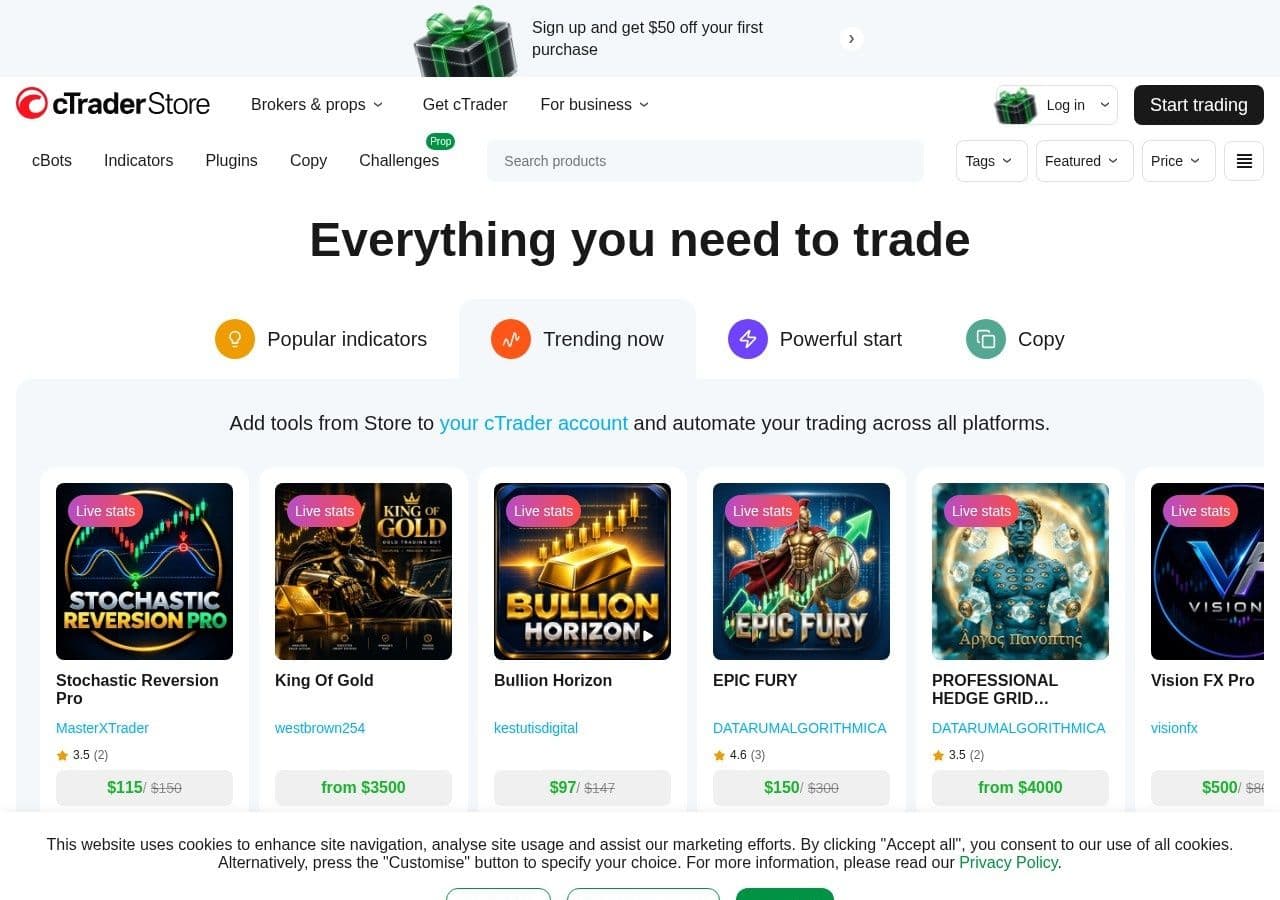
On 5 October 2026 a cTrader user wrote on Trustpilot that its "charting is excellent". Two days later another wrote that the app is "a buggy mess of an app, which happens frequently!" Both are probably telling the truth about their own week. That is what happens when people ask one tool to do every job.
Most UK forex traders who compare cTrader and TradingView are really asking three questions at once. Where do I place the trade? Where do I study the chart? And who tells me whether there is a trade at all, and how big it should be?
The direct answer is that each of these tools is best at one of those jobs. cTrader is an execution platform with good charts. TradingView is an analysis platform that can connect to a broker. Systemly is neither. It is the planning layer that sits on top of both.
Quick answer: cTrader is a free broker platform best for placing forex trades with depth of market and C# automation, available in the UK through Pepperstone, FxPro and IC Markets. TradingView is a charting and analysis platform with a free plan and paid plans from $12.95 a month billed annually, plus 20% UK VAT, best for drawing, scripting and screening. Systemly is a trade-planning app that draws a checked plan on a live chart with lot size and cost for your account, and can export it to TradingView. You can use all three, one for each job.
Systemly publishes this comparison. We have tried to be fair, and every competitor fact below is sourced and dated 13 October 2026.
What each tool is
cTrader is a multi-asset trading platform from Spotware for Windows, Mac, web, iOS and Android. Brokers run it under licence and give it to clients free. It has C# automated strategies called cBots, Level II depth of market and its own marketplace, the cTrader Store (The Investors Centre). Spotware says it is "used by more than 12 million traders and 300+ clients".
TradingView is a charting, analysis and social platform used, by its own count, by "100M+ traders and investors worldwide". It is not a broker. You can trade through it only by connecting "a compatible, regulated broker account" (The Investors Centre).
Systemly (systemly.ai) is a UK-built forex and gold trade-planning app that turns live price data into a complete trade plan, with entry, stop, targets, position size and plain-English reasoning, and teaches the terms in a built-in academy of 32 courses. It is not a broker either.
Job one: execution charting, where cTrader is strong
cTrader's charts are built for people who trade from them. FxPro's review, dated 4 September 2026, lists "28 timeframes from one second through to monthly", more than 55 indicators, 65 drawing tools and detachable charts for several monitors (FxPro). The Investors Centre calls it "a more modern charting engine than MT4", says the Mac client has charting parity with Windows, and notes Level II depth of five to eight levels on major pairs at Pepperstone.
cTrader scores 4.8 out of 5 from 3,449 Trustpilot reviews (Trustpilot) and 4.8 from about 1,800 ratings on the US App Store (App Store). In App Store reviews, the complaints cluster on mobile: "The mobile version is weak and slow, not as fast as MetaTrader" (December 2024), and "it takes too long to load while you open it" (May 2024).
cTrader has a smaller community library than MetaTrader, fewer brokers, and a web terminal that covers "the vast majority" of desktop features rather than all of them. On a Mac, "some third-party indicator libraries are Windows-only."
Which UK brokers offer cTrader?
The software is free. You pay through the broker. The Investors Centre lists three UK options and their commissions:
- Pepperstone (FCA): £2.25 per lot per side on Razor. It is the only UK option for cTrader spread betting.
- FxPro (FCA): $3.50 per lot per side, CFDs only.
- IC Markets: $3.00 per lot per side, under the Temporary Permissions Regime, with no FSCS cover.
For readers in the UAE, Spotware exhibited at Forex Expo Dubai on 22 to 23 September 2026 (Finance Magnates). We could not confirm which UAE-licensed brokers offer cTrader, so ask yours directly.
cTrader and AI: agents that can place orders
cTrader has gone further than MetaTrader in letting AI agents act. Spotware released AI Agent Connect in May 2026 and the cTrader CLI on 13 August 2026, which lets coding assistants such as Claude Code, Codex, Cursor, Windsurf and Gemini CLI issue commands for accounts, cBots, backtests and orders. Finance Magnates added a fair caution: the tool "does not show that a strategy is suitable for live trading" (Finance Magnates). The cTrader Store also added recurring subscriptions on 5 August 2026, so paid tools can now bill monthly.
That is powerful for a developer. For a first-year trader it raises a question rather than answering one. An AI that can place orders still needs someone to decide which orders are sensible, a gap we also found in ChatGPT forex signals. We found no built-in AI chart reading or trade plans in cTrader.
Job two: analysis charting, where TradingView is strong
TradingView claims "400+ built-in indicators and strategies", "100,000+ public indicators", "110+ smart drawing tools" and up to 16 charts per screen (TradingView). Its Pine Script community has published more than 150,000 scripts, half of them open-source. Forex and CFD broker feeds, including IG, Capital.com and CMC Markets, are real-time and free on every plan, which is a genuine advantage for forex and gold traders.
The free plan is limited. Basic allows one chart per layout, two indicators per chart and three active price alerts, and it shows ads, according to a third-party plan comparison and CMC Markets. Essential raises that to two charts, five indicators and 20 price alerts (TradingView pricing).
What TradingView costs a UK or UAE trader
TradingView lists prices in dollars and has added VAT for UK users since 24 May 2023 and for UAE users since 14 March 2023 (TradingView support). The UK rate is 20% and the UAE rate is 5%.
- Essential ($12.95 a month): List price per year: $155.40; With 20% UK VAT: $186.48 (about £139); With 5% UAE VAT: $163.17 (about 599 dirhams)
- Plus ($29.95 a month): List price per year: $359.40; With 20% UK VAT: $431.28 (about £322); With 5% UAE VAT: $377.37 (about 1,386 dirhams)
- Premium ($59.95 a month): List price per year: $719.40; With 20% UK VAT: $863.28 (about £644); With 5% UAE VAT: $755.37 (about 2,774 dirhams)
Pounds use an assumed illustrative rate of $1.34 to the pound. Dirhams use the official peg of AED 3.6725 to the US dollar. Monthly billing costs more: $14.95, $34.95 and $69.95 before VAT. Refunds on annual plans must be requested within 14 days of payment, and on monthly plans within 7 days.
TradingView's store ratings are strong, at 4.8 on the UK App Store. Its Trustpilot page shows no TrustScore after the site removed "a number of fake reviews", and most complaints there are about billing and support rather than charts. Even there, one reviewer wrote: "The platform for charting itself is excellent."
Job three: planning, which neither platform does
Here is the common mistake. A trader picks the platform with the best charts, adds indicators until the screen looks busy enough to be serious, and treats the result as a decision.
The consequence is that nobody has answered the questions that decide whether the account survives: is there a trade worth taking at all, where exactly is the idea wrong, what size keeps the loss to the amount I chose, and what do I do at the first target?
Think of it like the difference between a good map and a route. cTrader and TradingView are excellent maps. They show every road and let you zoom in on any junction. A route is a decision: this way, stop here, turn back if the bridge is closed. Systemly gives you the route, drawn on the same kind of map.
A Systemly plan opens on a full-screen live chart with the trade drawn on it: the position box, entry, stop, targets, the stop moving to entry after the first target, and a dip zone and hold level. Beside it, the moves card gives a short numbered list. It says when to wait, when to get in, what to do at each target ("close half and move your stop loss to your entry", for example) and when the plan is wrong. A countdown ring shows the time to the next useful moment, such as a candle close or the London open at 08:00 UK and 11:00 Dubai in summer. When the strategy's checks fail, the answer is "no trade", with the failed checks listed.
A worked example: one EUR/USD trade, costs and all
A UK trader has a £1,000 account and wants to risk 1% on EUR/USD with a 25-pip stop, at a commission of £2.25 per lot per side (the Razor rate The Investors Centre lists for one UK cTrader broker). We assume an illustrative GBP/USD rate of 1.34 and a pip value of $10 per standard lot.
- Risk goal: Arithmetic: 1% of £1,000; Result: £10 (about $13.40)
- Loss per standard lot at the stop: Arithmetic: 25 pips × $10; Result: $250
- Exact lot size: Arithmetic: $13.40 ÷ $250; Result: 0.0536 lots
- Rounded down: Arithmetic: 0.05 lots × $250; Result: $12.50, about £9.33
- Commission, both sides: Arithmetic: 0.05 × £2.25 × 2; Result: about £0.23
- Total if the stop is hit: Arithmetic: £9.33 + £0.23; Result: about £9.56, under the £10 goal
cTrader will execute 0.05 lots, and TradingView will draw the stop beautifully. Neither will work out the lot or fold the commission into one figure for you. On a Systemly plan, the card prints the lot size and one money figure at that lot with trading cost included at the stop, and the risk warning uses the same number. Our forex pip calculator guide explains the pip values behind this table.
cTrader vs TradingView vs Systemly: the full comparison
- Main job: cTrader: Placing and managing trades; TradingView: Charting and analysis; Systemly: Planning a trade and following it
- Price: cTrader: Free via broker; commission per lot; TradingView: Free Basic; paid from $12.95 a month annually, plus VAT; Systemly: Free plan; paid Starter, Plus and Pro with a 3-day trial
- UK access: cTrader: Pepperstone, FxPro, IC Markets; TradingView: Direct; trading via connected brokers; Systemly: Direct
- Is it a broker?: cTrader: No, the broker runs it; TradingView: No; Systemly: No
- Timeframes: cTrader: 28, from one second to monthly; TradingView: Many, with seconds and ticks on top plans; Systemly: 5m, 15m, 1H and 4H on the bar; 4H and slower on Plus and above
- Indicators and drawing: cTrader: 55+ indicators, 65 drawing tools; TradingView: 400+ built-in, 110+ drawing tools; Systemly: Automatic layers (swings, sessions, gaps) on Starter and above
- Automation: cTrader: C# cBots; TradingView: Pine Script strategies and alerts; Systemly: None
- AI: cTrader: Agents and CLI can place orders; TradingView: AI Copilot, a paid add-on; Systemly: AI drafts the plan; fixed rules check it
- Lot size for your account: cTrader: You calculate it; TradingView: You calculate it; Systemly: Printed, with cost in one money figure
- Says "no trade": cTrader: No; TradingView: No; Systemly: Yes, with the failed checks listed
- Times shown: cTrader: Broker or chosen setting; TradingView: Chosen time zone; Systemly: Your local time, sessions follow their own daylight saving
- Best for: cTrader: Executing with depth of market; TradingView: Drawing, scripting, screening; Systemly: Deciding what to trade, how big, and what to do next
Systemly loses most of the charting rows on purpose. It is narrower and more opinionated than either platform. A trader who draws their own analysis, writes Pine Script, screens hundreds of stocks or builds cBots will still want cTrader or TradingView.
Where cTrader is the better choice
- You want to see depth of market before you place a forex order.
- You want to automate a strategy in C#, or test one with an AI coding assistant through the CLI.
- You trade at Pepperstone, FxPro or IC Markets and want one free platform that charts and executes.
- You want second-level timeframes for scalping without paying for a premium chart plan.
Where TradingView is the better choice
- You draw your own analysis and want the widest set of indicators and tools.
- You write or use Pine Script.
- You trade or watch markets beyond forex and gold, such as UK or US shares.
- You want one charting screen that connects to several brokers.
How the three fit together
A setup that gives each tool its own job looks like this. You scan EUR/USD or gold in Systemly and read the moves card. On Starter and above, you export the plan to TradingView as a Pine Script that draws it with a trade table quoting the same stop and money. You keep drawing your own levels around it in TradingView. If you want a rehearsal first, place the plan as a paper trade in Systemly, which every plan including free allows, on real prices with spreads and costs. Then you place the order on cTrader, or on a broker connected to TradingView, using the printed lot size. When you scan the same market again while you hold the trade, Systemly answers keep, tighten or exit rather than giving you a contradictory new plan.
We set out the export steps in how to use TradingView and Systemly together, and the head-to-head with TradingView alone in TradingView vs Systemly.
A note for spread bettors: Pepperstone is the only UK option for cTrader spread betting. For most UK individuals, spread betting profits are generally free of Capital Gains Tax and Stamp Duty, because HMRC treats most spread bets as gambling, while CFD profits are generally subject to CGT and CFD losses can be offset. Tax treatment depends on your circumstances and can change (IG).
How we compared
We compared the three on the jobs a UK forex trader needs done: execution, analysis and planning. cTrader facts come from FxPro's review (4 September 2026), The Investors Centre, Finance Magnates, Trustpilot and the App Store. TradingView facts come from its own pricing, features and support pages and its Trustpilot and App Store listings. Systemly facts come from its product documentation of 6 October 2026 and its changelog to 8 October 2026. All checks were made on 13 October 2026. Prices, VAT handling and broker terms change, so confirm them before you pay.
FAQ
Is cTrader better than TradingView for forex?
They do different jobs. cTrader is better for executing forex trades, with depth of market, one-second timeframes and C# automation, and it is free through brokers such as Pepperstone and FxPro. TradingView is better for analysis, with far more indicators, drawing tools and community scripts. You can chart on TradingView and execute on cTrader.
Is cTrader free in the UK?
Yes. The platform is free and the broker earns through spreads and commissions. In the UK, Pepperstone charges £2.25 per lot per side on Razor, FxPro charges $3.50 and IC Markets charges $3.00, according to The Investors Centre. IC Markets operates under the Temporary Permissions Regime with no FSCS cover.
How much does TradingView cost in the UK with VAT?
TradingView adds 20% VAT for UK users. Essential billed annually is $155.40 a year before VAT and $186.48 with it, about £139 at an assumed illustrative $1.34 to the pound. Plus is $431.28 a year with VAT and Premium $863.28. The free Basic plan allows two indicators per chart and, according to third-party guides, shows ads.
Can I use cTrader in Dubai?
Spotware exhibited at Forex Expo Dubai in September 2026, but we could not confirm which UAE-licensed brokers offer cTrader. Ask your broker whether it offers cTrader and which regulator licenses it: the DFSA in the DIFC, the FSRA in ADGM, or the CMA on the mainland, which was called the SCA until January 2026.
Can AI trade for me on cTrader?
cTrader's CLI, released on 13 August 2026, lets AI coding assistants issue commands for accounts, cBots, backtests and orders. Finance Magnates noted that this does not show a strategy is suitable for live trading. The AI follows instructions. Deciding whether a trade makes sense, and how much to risk, is still your job.
Can I export a Systemly plan to cTrader?
Not directly. The export Systemly offers is to TradingView, as a Pine Script, on Starter and above. For cTrader, you read the plan and enter the order yourself using the printed lot size, entry and stop. Execution into a broker account is available only on Systemly's Pro plan.
Does Systemly replace TradingView?
No. Systemly is narrower. It draws a checked plan on a live chart for forex, gold and, on higher plans, other markets. If you draw your own analysis, write Pine Script or screen many stocks, you will still want TradingView. Systemly is built to sit alongside it, with an export that draws the plan on your TradingView chart.
Get the plan, then pick the platform
Keep cTrader for the order ticket and TradingView for the drawing board. Try Systemly's free plan to see a full plan on a live chart, or browse real community plans first. If you are weighing MetaTrader too, read our MT5 vs Systemly comparison, and for reading charts across timeframes, our multi-timeframe analysis guide.
Sources
- The Investors Centre, best cTrader brokers UK
- FxPro, cTrader platform review (4 September 2026)
- Trustpilot, cTrader
- App Store (US), Spotware cTrader
- Finance Magnates, Spotware at Forex Expo Dubai 2026
- Finance Magnates, Spotware launches cTrader CLI
- Finance Magnates, cTrader adds subscriptions (5 August 2026)
- TradingView, features
- TradingView, pricing
- TradingView, about
- TradingView, why tax has been added to my bill
- TradingView, data coverage
- TradingView, policies (refunds)
- TradingView, Pine Script documentation
- TradingView, AI Copilot announcement
- Trustpilot, TradingView
- App Store (UK), TradingView
- The Investors Centre, best brokers for TradingView
- GOV.UK, VAT rates
- FriendOfTheTrend, TradingView plan comparison
- CMC Markets UK, TradingView pricing explained
- Wikipedia, UAE dirham peg
- IG, capital gains tax on trading
- Systemly and community plans
Trading forex and CFDs carries a high risk of losing money, and most retail accounts do. Systemly is an educational and trade-planning tool. It does not provide financial advice or personal recommendations, and it is not authorised by the FCA or licensed in the UAE to do so. Past outcomes do not predict future results.