
Investing.com AI Chart Analysis vs Systemly: two tools that give an entry, stop and target
 Systemly Team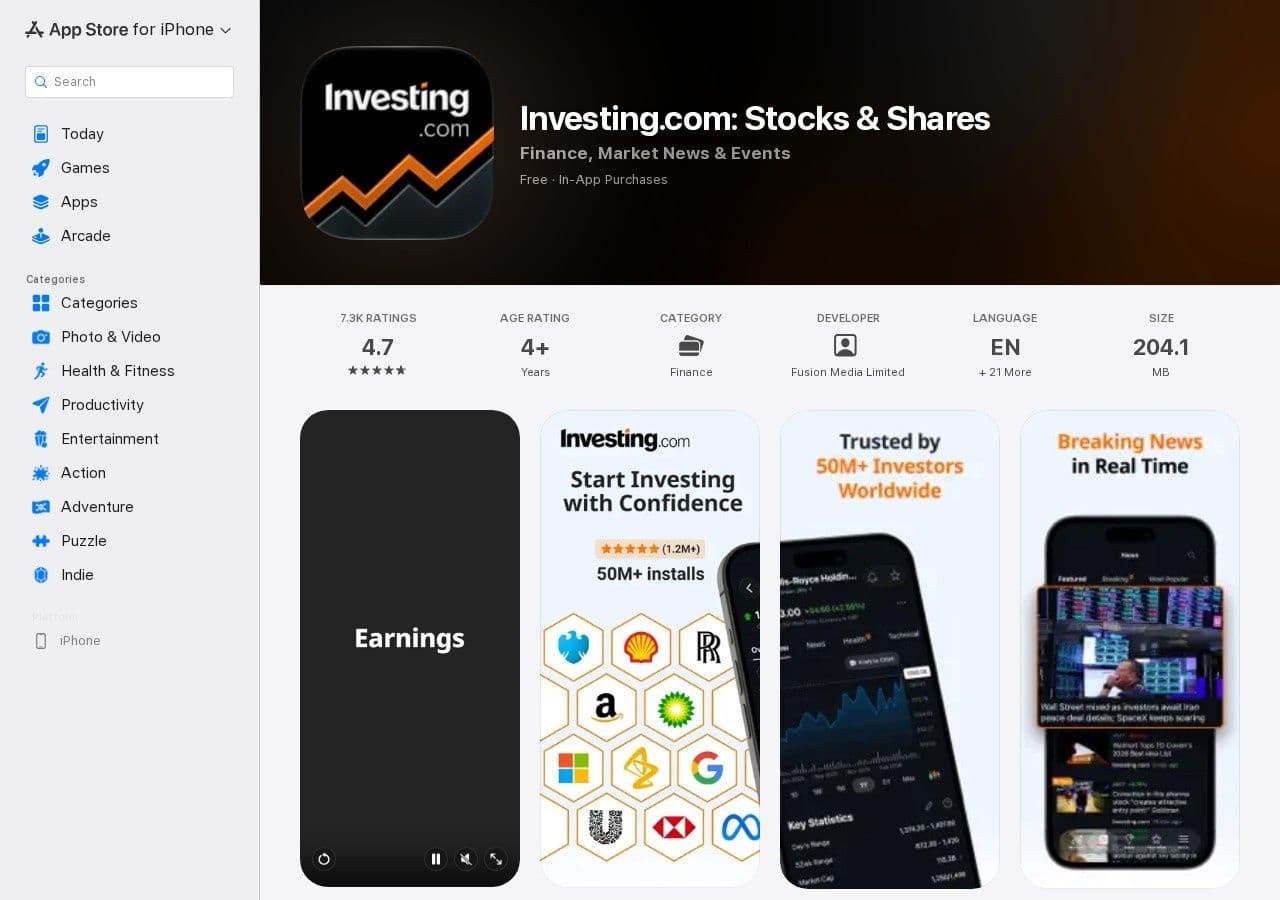
"Regular chatbots can't see charts, ours can." That was how Investing.com's chief technology officer introduced AI Chart Analysis on 18 November 2025. You press "Analyze Chart" on a supported market and the site's in-house Vision AI hands back a trading plan with an entry, a stop-loss and profit targets, plus the three or four indicator signals it thinks matter most.
Systemly does something that sounds almost identical. You open a market, press Generate, and in under a minute you get an entry, a stop and targets drawn on a live chart.
If both tools give you the same three numbers, what is the difference? It sits in the parts of a trade that the three numbers leave out.
Quick answer: Investing.com AI Chart Analysis is best for a quick, free read of almost any chart (stocks, indices, crypto, commodities and forex) inside a news site you may already use. Systemly is best for a forex or gold trader in the UK or UAE who wants the trade sized for their own account, with costs included, an honest "no trade" when the setup is weak, and a record of what happened afterwards. Investing.com's own page warns that its data is "not necessarily real-time nor accurate", so treat its levels as a starting point. Use Investing.com to look around; use Systemly when you are close to placing an order.
Systemly publishes this comparison. We have tried to be fair, and every competitor fact below is sourced and dated 13 October 2026.
What is Investing.com AI Chart Analysis?
Investing.com AI Chart Analysis is a feature on Investing.com, the global financial news and data site run by Fusion Media Limited, that reads the site's own charts and returns a short trade plan. It launched on 18 November 2025. According to the launch release, it gives "a trading plan with entry, stop-loss, and profit targets", the most important indicator signals, pattern detection, risk and reward reasoning, and a plain-language explanation. It covers commodities, crypto, forex, indices, stocks and ETFs.
At launch, "everyone can try it for free". It arrived first on desktop and mobile web, with the app promised "in the coming weeks". The company's CTO, Yonatan Adest, told FinTech Global: "We've given AI the eyes and reasoning of a seasoned trader."
Two points need stating plainly.
- We could not confirm the current free and paid limits as of October 2026. Some features may sit behind the paid tier, InvestingPro.
- The launch material describes the tool reading charts on Investing.com's own instrument pages. It does not say you can upload your own screenshot, so we make no claim either way. Screenshot tools are a separate category, which we cover in Systemly vs ChartAnalyst AI.
The feature sits alongside WarrenAI, Investing.com's AI "financial researcher", which produces SWOT analyses, bull and bear cases and analyst outlooks across more than 72,000 securities in over 30 languages.
What is Systemly?
Systemly (systemly.ai) is a UK-built forex and gold trade-planning app that turns live price data into a complete trade plan, with entry, stop, targets, position size and plain-English reasoning, and teaches the terms in a built-in academy of 32 courses.
It reads live price bars (open, high, low, close and volume) across three timeframes, never a screenshot. Fixed rules then check the AI's plan: the server repairs the target ladder, sets a floor under the stop width and recomputes the confidence score. The AI reads the chart, and the code owns the trade.
The three numbers, and the five things they leave out
Most people judge an AI chart tool, or a broker-bundled one such as Autochartist or Trading Central, by whether its entry, stop and target look sensible. That is the wrong test. The three numbers tell you where. They do not tell you how much, at what cost, whether to bother at all, what to do when price gets to the first target, or how this kind of call has gone before.
Think of it like a sat-nav that shows you the destination pin but not the route, the tolls or the traffic. The pin is correct. You can still pay too much getting there, or find the road closed when you arrive.
Here is what sits behind those three numbers in each tool.
- Input: Investing.com AI Chart Analysis: Investing.com's own chart on a supported instrument; Systemly: Live price bars across three timeframes; scan refused if data is stale, gapped or future-stamped
- Data warning from the provider: Investing.com AI Chart Analysis: "not necessarily real-time nor accurate"; prices "indicative and not appropriate for trading purposes"; Systemly: Weekend quote bars on forex and metals are thrown away; closed market says the last price is Friday's close
- Entry, stop, targets: Investing.com AI Chart Analysis: Yes; Systemly: Yes, drawn on the chart, with the stop moving to entry after the first target
- Position size for your account: Investing.com AI Chart Analysis: Not described in launch material; Systemly: Lot size printed on the card, with a warning if the risk looks too large for the account
- Trading cost: Investing.com AI Chart Analysis: Not described; Systemly: Included in one money figure at the stop
- "No trade" answer: Investing.com AI Chart Analysis: Not described; Systemly: Yes, with the failed checks listed and, on 13 measured markets, the prices that would change the answer
- Follow-up after the call: Investing.com AI Chart Analysis: Not described; Systemly: Every plan tracked; losses logged; nothing settled until price actually fills the entry
- Markets: Investing.com AI Chart Analysis: Commodities, crypto, forex, indices, stocks, ETFs; Systemly: Free and Starter: seven major forex pairs and gold. Plus and Pro add silver, oil, indices, major stocks and Bitcoin
- News, calendar, research: Investing.com AI Chart Analysis: Strong: full news site, economic calendar, WarrenAI; Systemly: Narrow: a news warning when a major release falls inside the trade's life
- Price: Investing.com AI Chart Analysis: Free to try at launch; current limits unverified. InvestingPro from £15.49 a month on the UK App Store; Systemly: Free plan; paid plans have a 3-day free trial
- Local time: Investing.com AI Chart Analysis: Not covered in the sources we read; Systemly: Sessions shown in your own time zone, following London and New York daylight saving
Two rows go clearly to Investing.com. The row that matters most for a beginner is the second one.
Why the data warning matters more than the AI
On Investing.com's XAU/USD chart page, Fusion Media says "the data contained in this website is not necessarily real-time nor accurate". It adds that prices "may be provided by market makers, and so prices may not be accurate", which means they are "indicative and not appropriate for trading purposes".
That is an honest disclaimer, and Investing.com deserves credit for printing it. But think about what it means for an AI that reads that chart. If the input is indicative, the entry, stop and targets built on it are indicative too. On gold, a stop placed even a few tens of cents from where your broker's feed would put it can decide whether you are stopped out.
This is not unique to Investing.com. Every broker has its own feed and spread, as our guide to why your broker's chart and your charting platform show different prices explains. A BabyPips forum poster put it well: "If you're scalping or doing any intra-day work, you need to use the chart from the broker your money is with."
Systemly's approach is to refuse a scan when the bars are stale, have gaps or carry a future timestamp, and to say so, rather than guess. It will still not match your broker's feed tick for tick, so you should check its levels against your own platform before you act.
A worked example: the same EUR/USD idea, sized and costed
Let us take an idea that either tool might produce: buy EUR/USD with a stop 25 pips below the entry. Assume a UK trader with a £1,000 account who risks 1% per trade, and assume GBP/USD at 1.34 for illustration.
- The account in dollars is £1,000 × 1.34 = $1,340.
- One per cent risk is $13.40.
- On EUR/USD, one pip on a standard lot is worth $10. A 25-pip stop therefore costs $250 per standard lot.
- The size that fits is $13.40 ÷ $250 = 0.0536 lots. Brokers usually trade in steps of 0.01, so you round down to 0.05 lots.
- The real risk at the stop is 0.05 × $250 = $12.50, which is about £9.33.
- Now add the cost of getting in. With a 1-pip spread, 0.05 lots costs 0.05 × $10 × 1 = $0.50. The true loss if the stop is hit is about $13.00, or roughly £9.70.
None of that arithmetic is hard, but a beginner reading three numbers on a news site rarely does it. A trader who opens 0.20 lots on that same 25-pip stop is risking $50, which is nearly 4% of a £1,000 account, on one idea.
Systemly prints the lot size on the card and shows one money figure with trading cost included at the stop. An account-size warning appears when the risk looks too large for the account. If you want to check a size from any other tool, the free Risk Doctor position-size check does the same arithmetic before you place a trade, and our forex position size calculator guide walks through it by hand.
What the "no trade" answer is worth
Most AI chart tools, from this one to assistants such as TradingView AI Copilot, are built to answer. On a dull, directionless chart they still produce something, and a beginner reads "something" as "a trade".
Systemly is built to say no. When the strategy's checks fail (for example, not enough confluence, or the trend not aligned), the answer is "no trade", in plain words, with the failed checks listed. On 13 measured markets (11 currency pairs, gold and silver), for Day and Swing styles, it can also show "What could change the answer": a price above for a buy and a price below for a sell, drawn as dashed lines, with an "Alert me" button. Up to three "no trade" answers a day do not use up a plan, and a "no trade" never counts in any performance figure.
Scanning the same market and style again within 15 minutes reopens the last answer for free, unless a major release for its currencies has come out since, so pressing the button again does not roll new dice.
We found no documented "no trade" output in Investing.com's launch material. If you use the tool, test it on a flat Friday afternoon chart.
Time zones: UK and Dubai readers
AI plans go wrong around news more often than anywhere else, because spreads widen and price jumps. The timing of US data is the trap for both UK and UAE readers this autumn.
- US CPI or jobs report (08:30 New York): Now (summer) UK / Dubai: 13:30 / 16:30; 25 to 31 October 2026 UK / Dubai: 12:30 / 16:30; From 1 November 2026 UK / Dubai: 13:30 / 17:30
- FOMC statement (14:00 New York): Now (summer) UK / Dubai: 19:00 / 22:00; 25 to 31 October 2026 UK / Dubai: 18:00 / 22:00; From 1 November 2026 UK / Dubai: 19:00 / 23:00
The Fed decision on Wednesday 28 October 2026 falls inside the out-of-sync week, so it lands at 18:00 UK and 22:00 Dubai. The first jobs report after the US clock change, on Friday 6 November, lands at 13:30 UK and 17:30 Dubai. Dubai does not change its clocks, so UAE readers see every US event move by an hour in November and UK readers do not.
Systemly's plan carries a news warning if a major economic release for either currency lands inside the trade's life, and it shows sessions in your own time zone. Investing.com's economic calendar is the better tool for browsing the full week of releases, and it is free. Our guide to forex trading sessions and market hours has the full tables.
A note for gold traders in Dubai
Our Google Trends data (12 months to October 2026) puts the UAE first in the world for "gold trading" search intensity. Both tools cover gold, and Systemly includes XAU/USD on the free plan. Systemly never shows odds on gold. It shows odds only where they were measured, and gold is not one of those markets. If a gold call comes with a confident percentage, ask where the number came from. Our guide on how to trade gold (XAU/USD) covers sizing and sessions.
What users say about Investing.com
Investing.com is well liked. The UK App Store rates the app 4.7 from 7,300 ratings, and Trustpilot shows 4.0 from 1,464 reviews (snapshot, 13 October 2026). The complaints are mostly about advertising and billing, not analysis: "so many annoying ads all the time" (11 August 2026) and "they've charged me for a full year" (7 September 2026). If you take an InvestingPro trial, note the renewal date.
Where Investing.com is the better choice
Investing.com is the better choice in four situations, and we would point you there without hesitation.
- You want a quick look at a stock, an ETF or a crypto coin. Systemly's free and Starter plans cover forex majors and gold only. Investing.com covers almost everything.
- You want news, an economic calendar and a chart in one free app. That is what Investing.com was built for, and it does it well.
- You read in Arabic. Investing.com runs around 30 language editions, including Arabic.
- You want company research. WarrenAI covers more than 72,000 securities with bull and bear cases and analyst outlooks. Systemly does not do company research at all.
Where Systemly is the better choice
Systemly is the better choice when you are close to placing a forex or gold trade and want the parts the three numbers leave out: the size for your account, the cost, an honest "no trade", a numbered list of moves (when to wait, when to get in, what to do at each target, when the plan is wrong) and a countdown to the next decision. It follows the plan after it is sent, and on every plan, including free, you can practise it first as a paper trade on real prices with costs. Since 6 October 2026, a limit, stop or wait-for-close entry settles nothing until price actually fills it, and an unfilled plan expires with no result. We do not publish win rates, and you should be wary of any tool that leads with one. Our article on forex signal win rates explains why.
If you already use TradingView for drawing, Starter and above can export a Systemly plan to TradingView as a Pine Script that draws the trade with a table quoting the same stop and money. Our TradingView vs Systemly comparison covers that workflow, and our look at AI chart screenshot apps explains why we read data rather than pictures.
How we compared
We read Investing.com's launch release for AI Chart Analysis (18 November 2025, republished by Webull and reported by FinTech Global), its XAU/USD advanced chart page and its UK App Store and Trustpilot listings, all checked on 13 October 2026. We compared them with Systemly's product notes as of 8 October 2026. We could not confirm Investing.com's current free and paid limits for AI Chart Analysis or whether it accepts user-supplied images, so we have not stated either. Prices and features change, so check both sites before you rely on any figure here.
FAQ
Is Investing.com AI Chart Analysis free?
At launch on 18 November 2025, Investing.com said everyone could try AI Chart Analysis for free. We could not confirm the free and paid limits as of October 2026. Investing.com's paid tier, InvestingPro, costs £15.49 a month or £185.99 a year on the UK App Store, and some features may need it. Check the site before you rely on the tool for regular use.
Can Investing.com AI Chart Analysis read my screenshot?
The launch material describes the tool analysing charts on Investing.com's own instrument pages after you press "Analyze Chart". It does not say that you can upload your own screenshot, so we cannot confirm it either way. Systemly does not read screenshots. It reads live price bars across three timeframes and refuses a scan when the data is stale or has gaps.
Is Investing.com data accurate enough to trade from?
Investing.com's own XAU/USD chart page says its data is "not necessarily real-time nor accurate" and that prices are "indicative and not appropriate for trading purposes". That makes it fine for research and a poor basis for an exact stop. Before placing a trade, check every level against the chart from the broker that holds your money.
Does Investing.com AI Chart Analysis give a position size?
The launch material lists an entry, a stop-loss, profit targets, indicator signals, pattern detection, risk and reward reasoning and a plain-language explanation. It does not describe a lot size for your account. You can work one out yourself: divide the money you are willing to lose by the cost of the stop on one lot, then round down.
Which is better for gold traders in Dubai?
For a quick look at XAU/USD alongside news, Investing.com is useful and free. For a sized plan with costs included, Systemly covers gold on its free plan and shows sessions in Dubai time without any settings. Systemly never shows odds on gold, because it shows odds only where they were measured. Neither tool is regulated advice, and neither replaces your own judgement.
Does Systemly publish performance figures?
No. Systemly tracks every plan after it is sent and logs losses like any other outcome. Since 6 October 2026, it settles nothing until price actually fills the entry. We do not quote win rates, because a win rate on its own says little without the distances to the stop and target.
Try a plan on a live chart
If you want to see what the five missing parts look like, open a market on Systemly and press Generate, or browse real plans in the community scans feed first. You can create a free account and learn the terms in the Systemly Academy.
Sources
- Investing.com AI Chart Analysis launch (PR Newswire, republished by Webull), 18 November 2025: https://www.webull.com/news/13878404179846144
- FinTech Global, "Investing.com unveils new AI chart analysis tool", 18 November 2025: https://fintech.global/2025/11/18/investing-com-unveils-new-ai-chart-analysis-tool/
- Investing.com XAU/USD advanced chart and data disclaimer: https://www.investing.com/currencies/xau-usd-advanced-chart
- Investing.com app, UK App Store (prices, ratings, reviews): https://apps.apple.com/gb/app/investing-com-stock-market/id909998122
- Investing.com on Trustpilot (snapshot 13 October 2026): https://www.trustpilot.com/review/investing.com
- WarrenAI launch, Crowdfund Insider: https://www.crowdfundinsider.com/2025/04/238721-investing-com-launches-ai-based-tool-warrenai/
- WarrenAI launch, Finextra: https://www.finextra.com/newsarticle/45855/investingcom-unveils-ai-driven-financial-researcher
- BabyPips forum, using a chart different from your broker: https://forums.babypips.com/t/using-a-chart-that-is-different-from-your-broker/258194
- BabyPips forex trading sessions and 2026 to 2027 clock changes: https://www.babypips.com/learn/forex/forex-trading-sessions
- US Bureau of Labor Statistics, Employment Situation schedule: https://www.bls.gov/schedule/news_release/empsit.htm
- Federal Reserve FOMC calendar: https://www.federalreserve.gov/monetarypolicy/fomccalendars.htm
- UK clock changes: https://www.gov.uk/when-do-the-clocks-change
- Dubai time zone: https://www.timeanddate.com/time/zone/united-arab-emirates/dubai
- Google Trends, 12 months to October 2026 (Systemly's own search research)
Trading forex and CFDs carries a high risk of losing money, and most retail accounts do. Systemly is an educational and trade-planning tool. It does not provide financial advice or personal recommendations, and it is not authorised by the FCA or licensed in the UAE to do so. Past outcomes do not predict future results.